
EHF OLYMPIADS RESULT
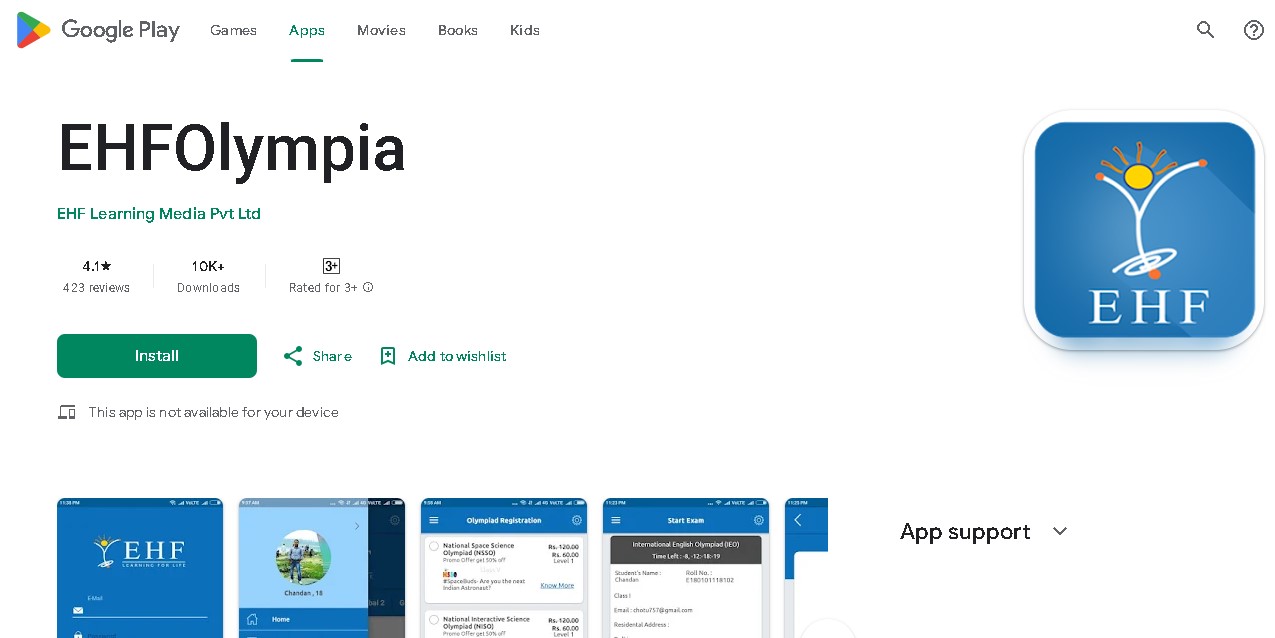
1. Download EHFOlympia app from Google Play store:
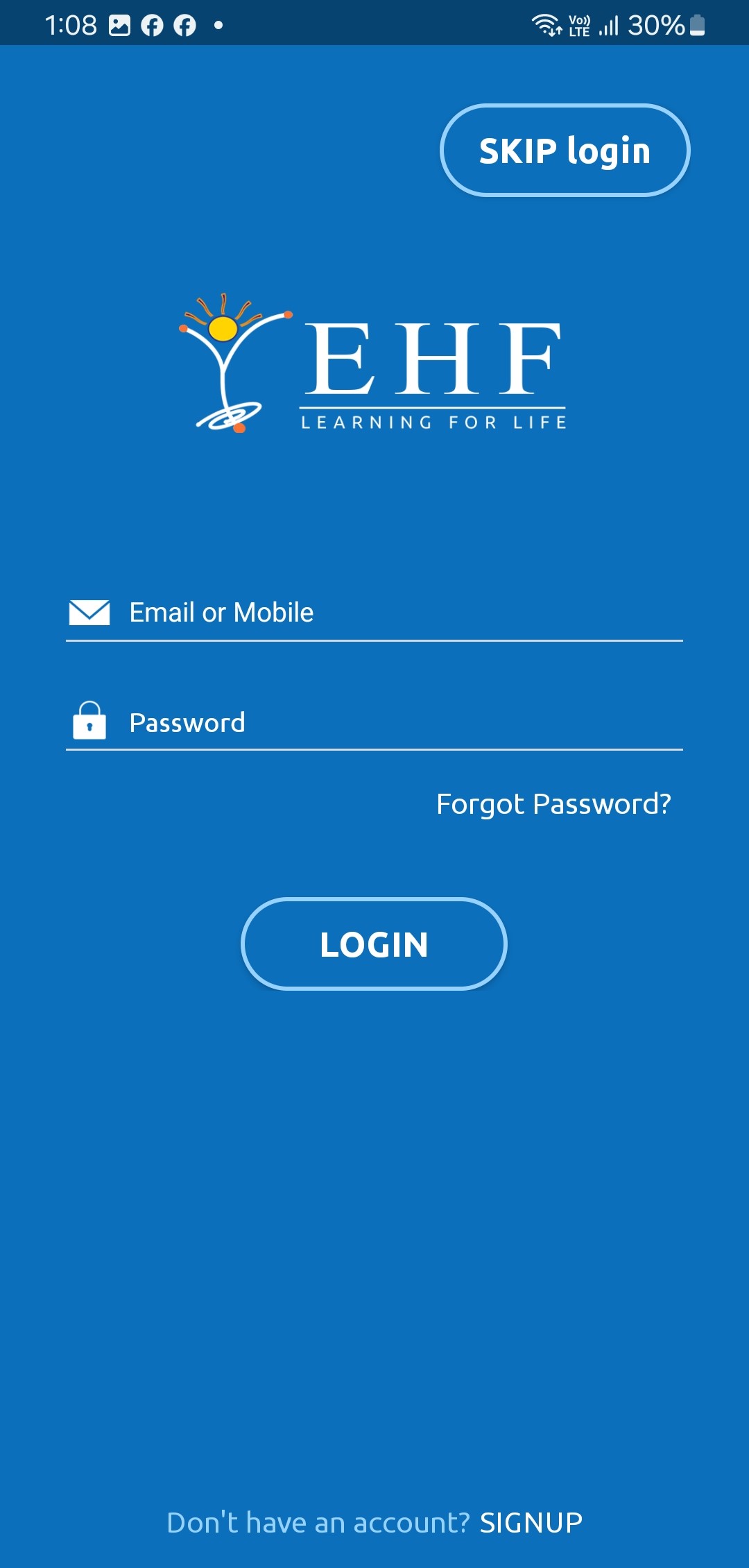
2. Click the Skip Login button:
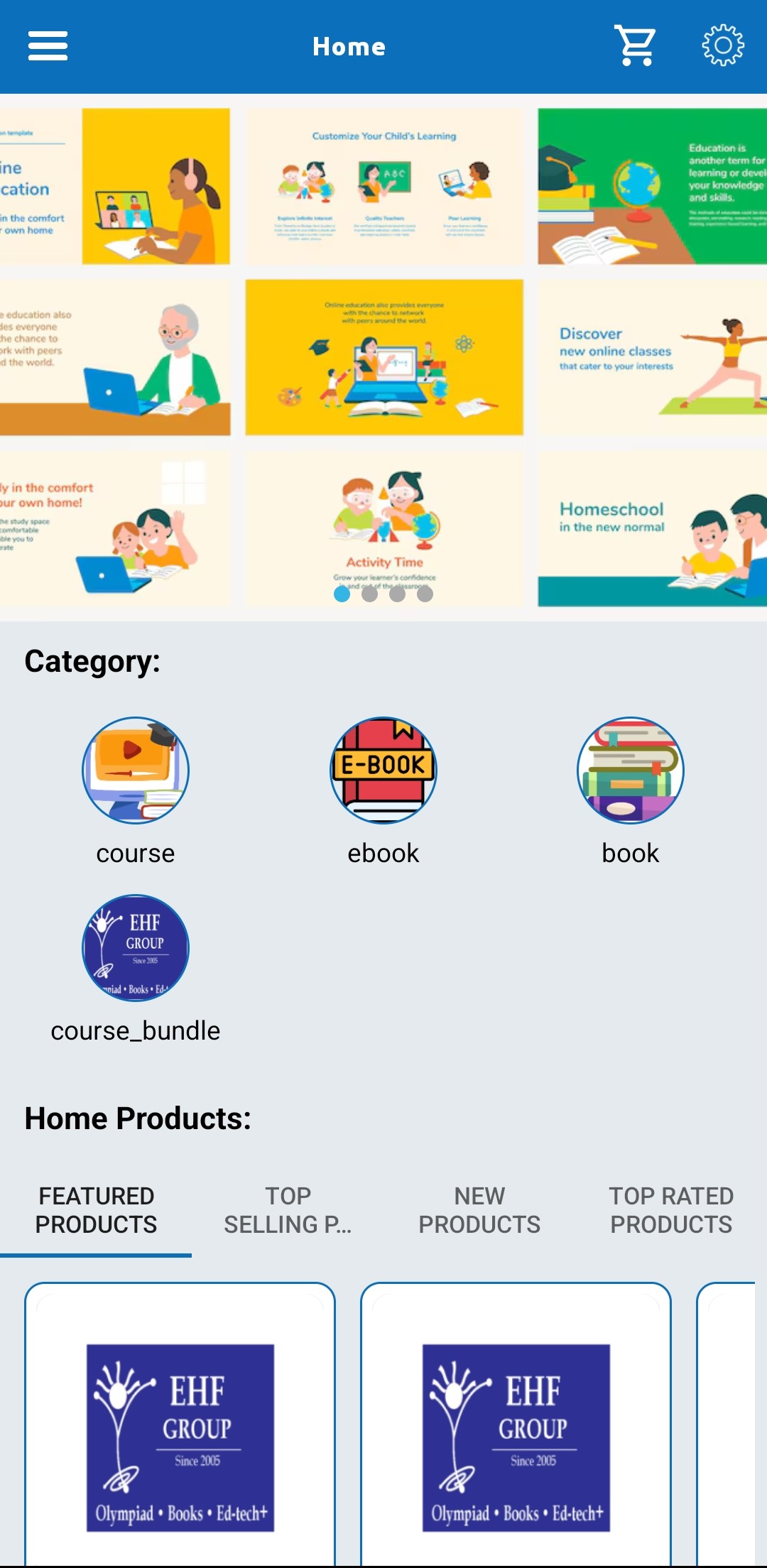
3. Now click on the 3 lines:
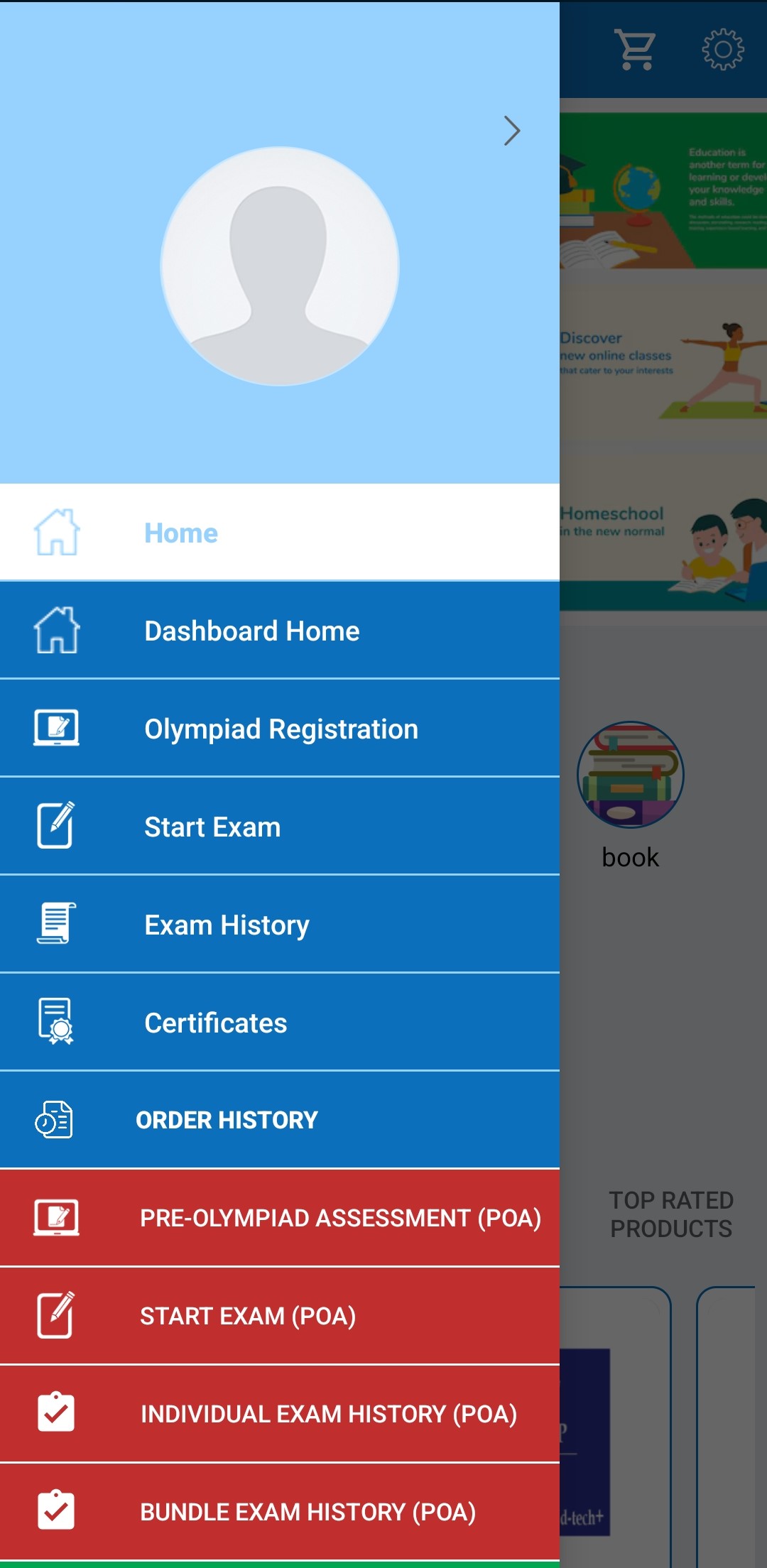
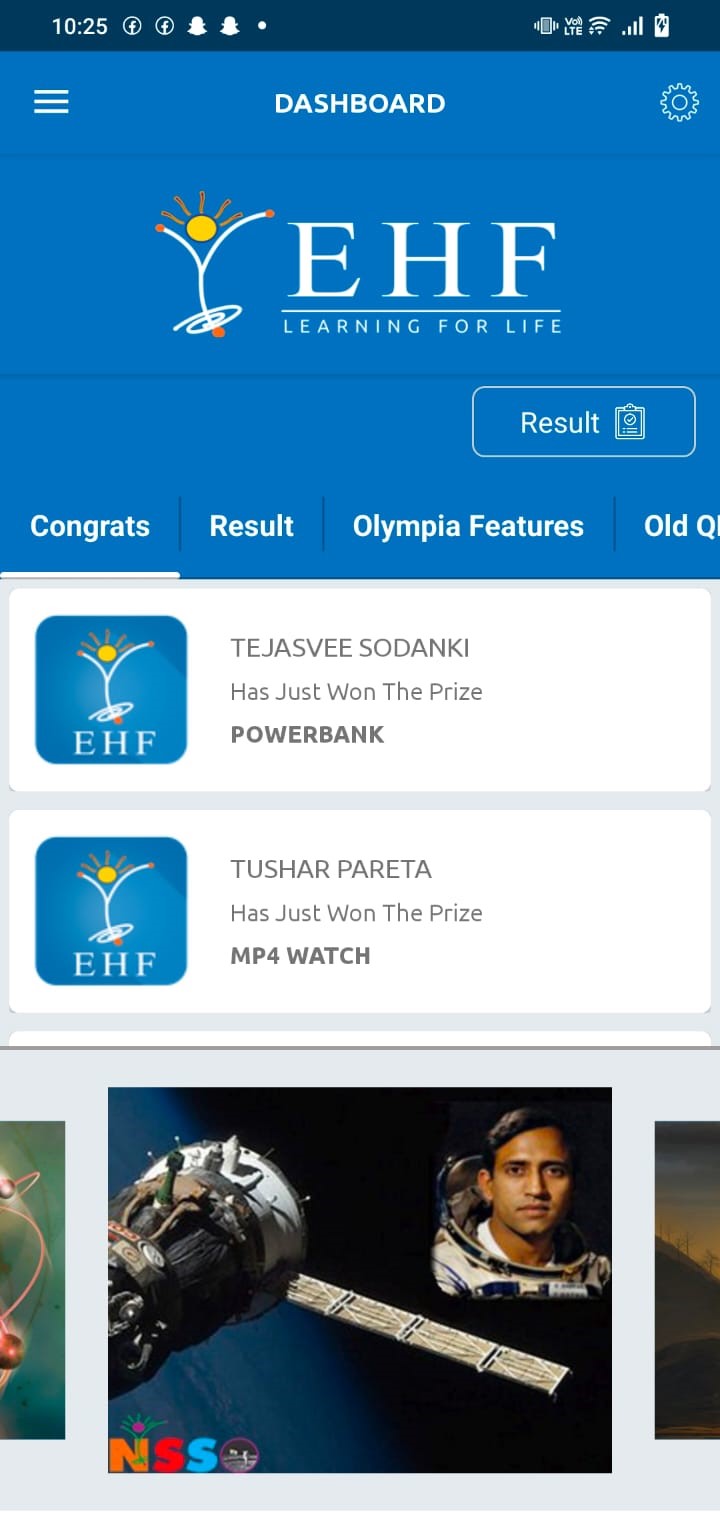
4. Then click on the Dashboard Home menu:
5. Click on the Result Button:
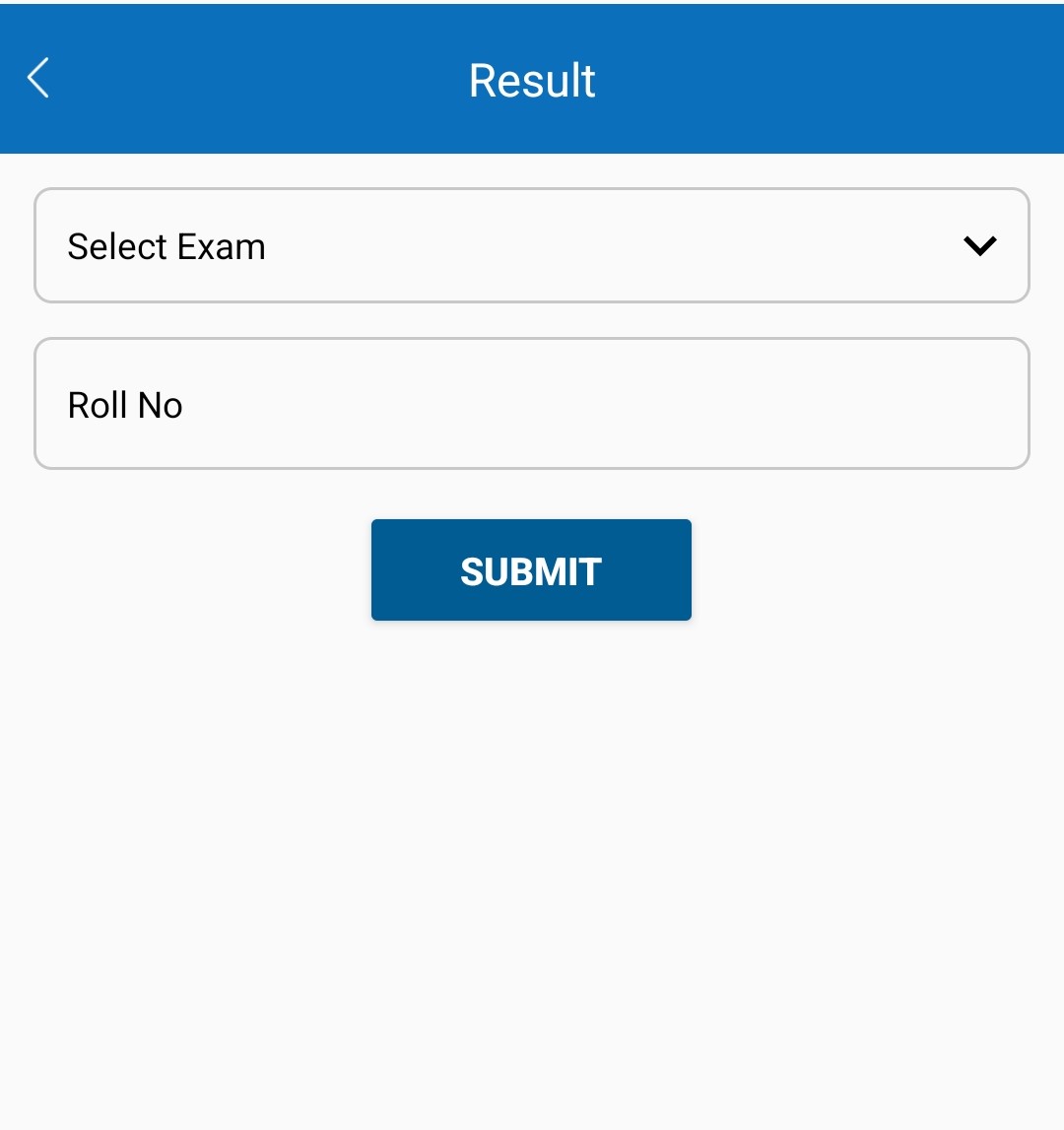
6. Select Exam level 1/level 2; Enter your correct Roll no. and submit to see your result:
EHF Centre for Assessment & Accreditation, 35A, Mohamadpur, Near Bhikaji Metro Station, New Delhi-110066, E-mail : info@eduhealfoundation.org